
Home Page
The Home Page for Applicant Online is customizable by site. See Customizing the AO Home Page for more information.
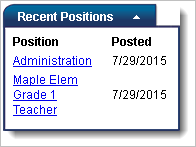
The Recent Positions section displays the 10 most recent active positions and the posting date. Anyone with Web access may browse openings, but a Login and Profile is required to apply for a position.
Instructions are included on the Home page and Application pages to direct users through the application process.
Application Wizard
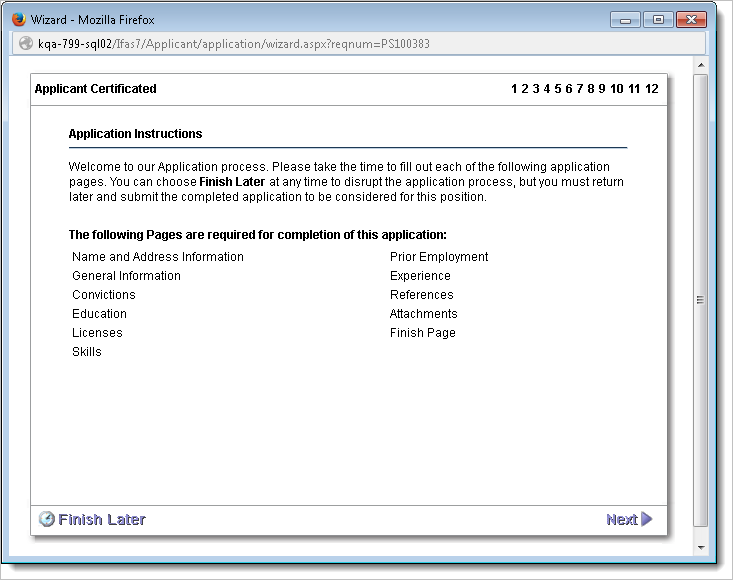
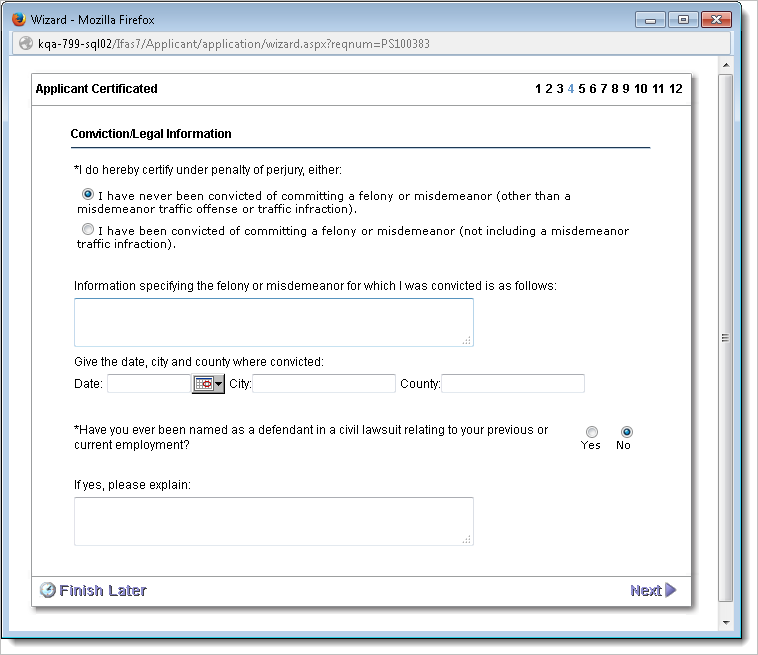
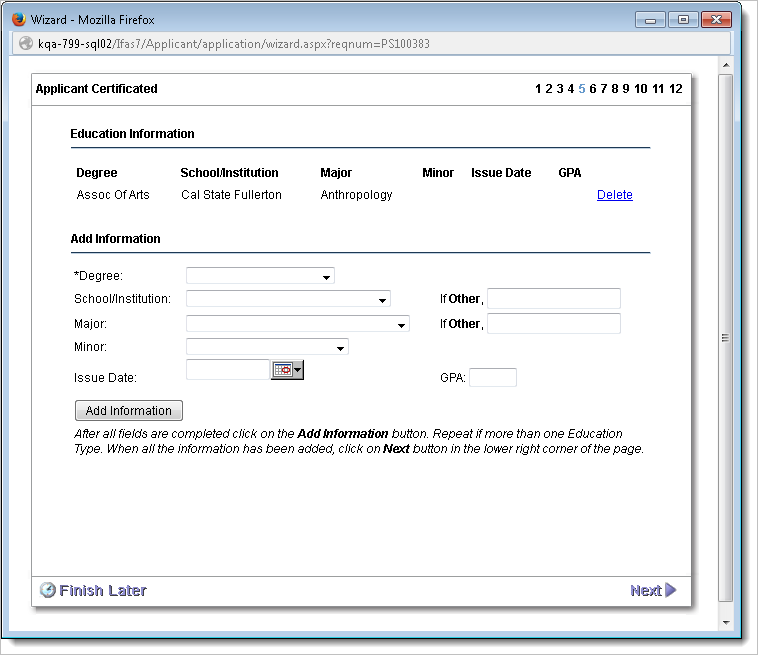
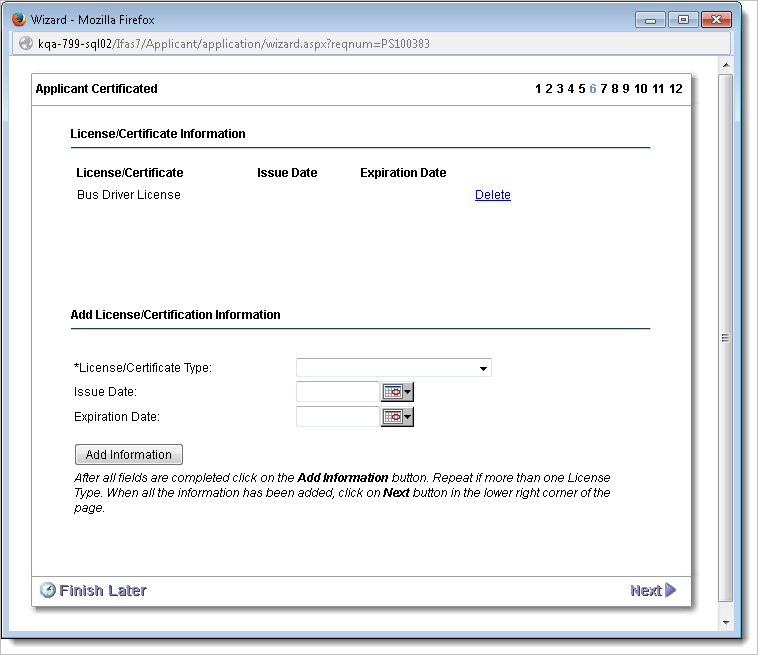
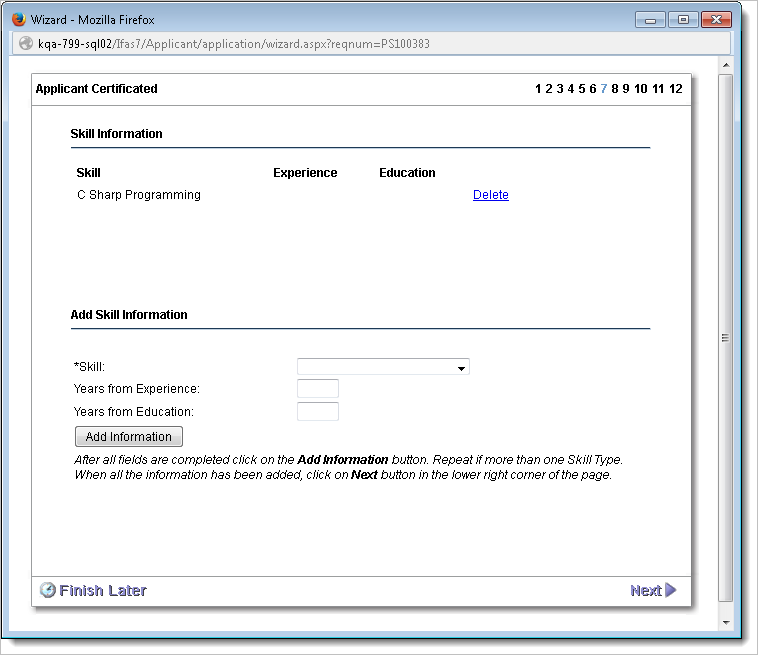
The Application Wizard contains a group of twelve basic pages. See Applying for a Position for more information.
Instructions Page
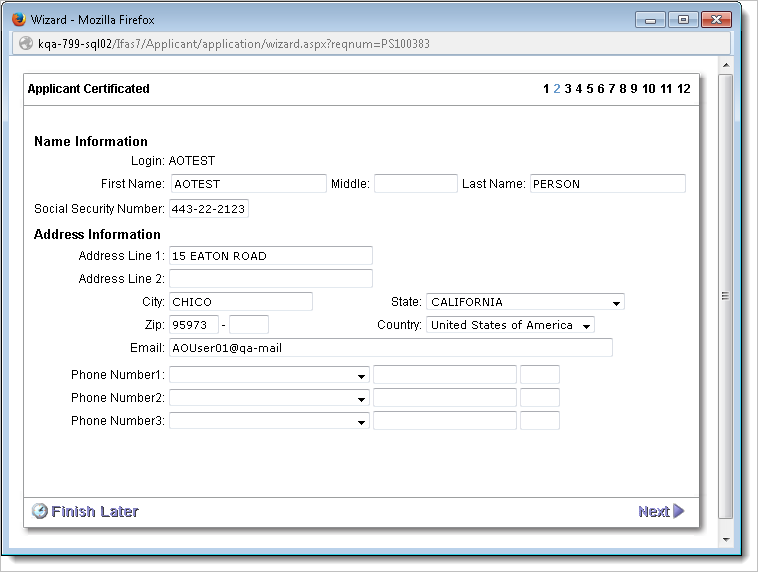
Demographics Page
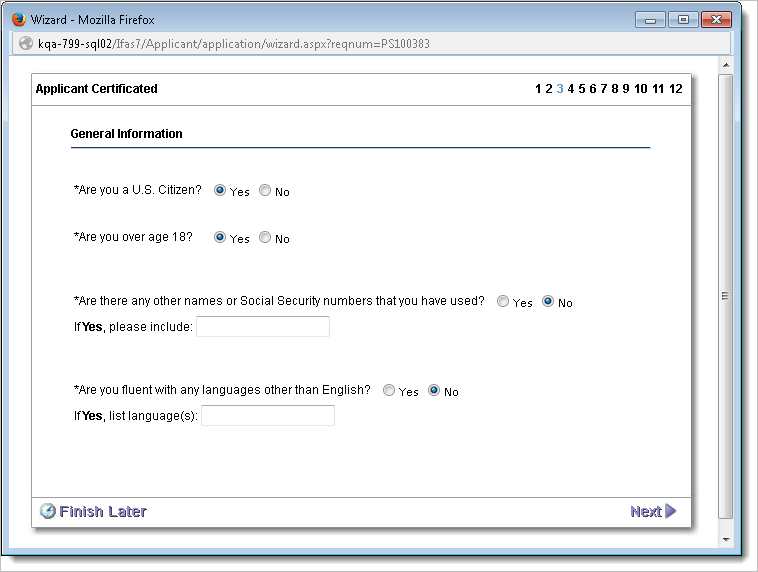
General Information Page
Conviction Page
Education Page
Licenses/Certification Page
Skill Page
Prior Employment Page
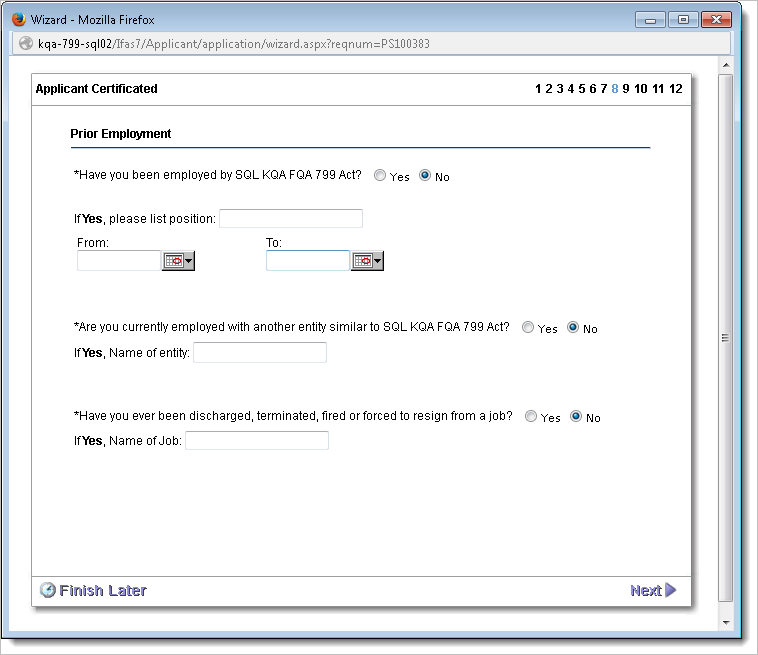
Experience Page
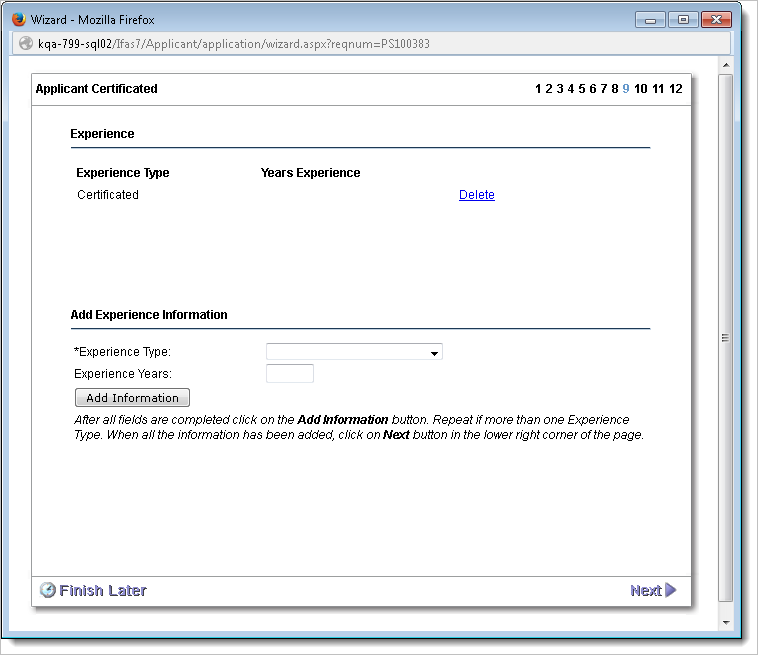
References Page
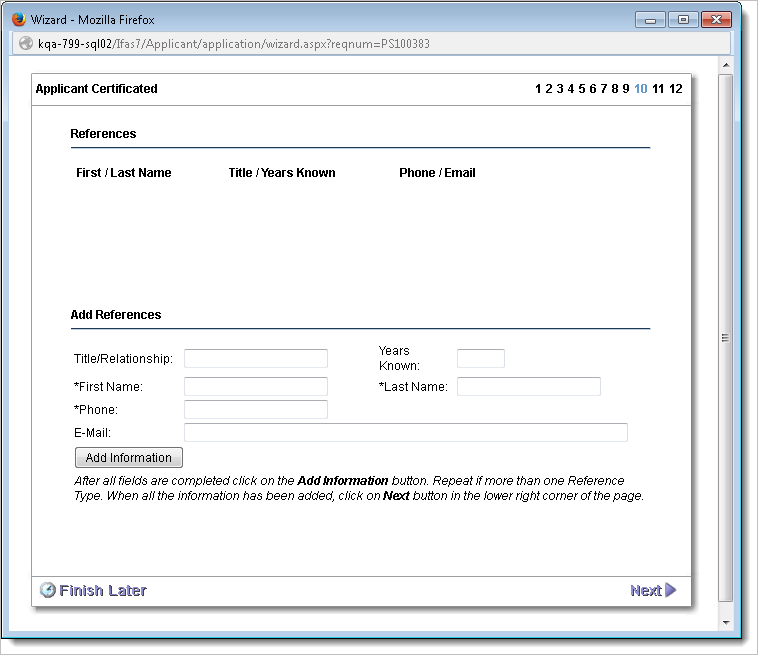
Application Level Attachments
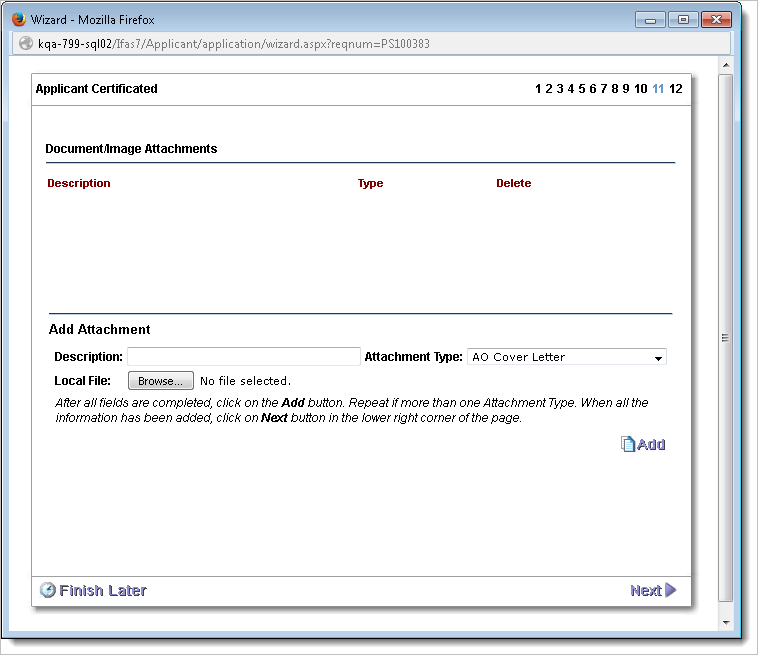
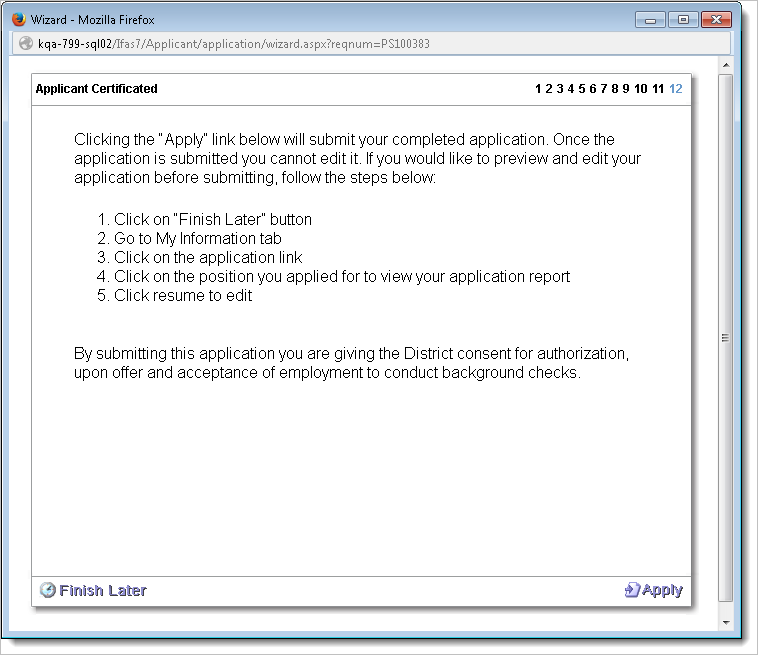
Submit Page
Attachments
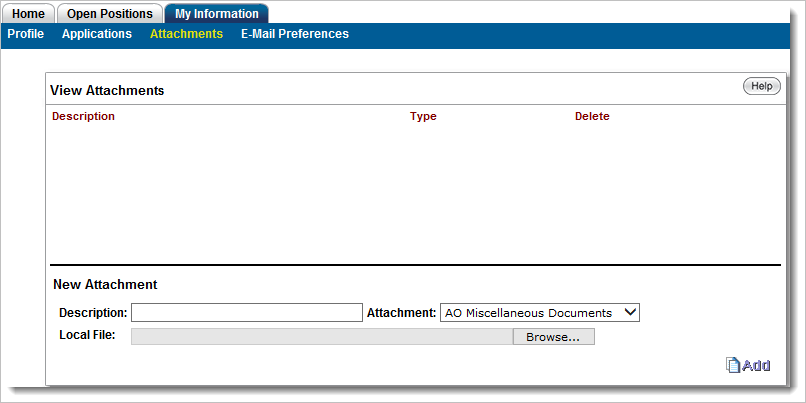
The Attachments page enables applicants to add information files, such as a resume, to their overall applicant record. Items added here are not application specific. See Attachment Definition Setup for more information.
E-mail Preferences Screen
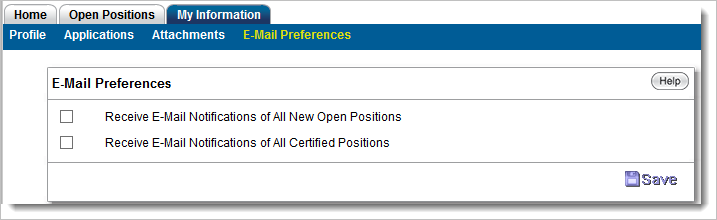
This page enables users to elect to receive e-mail notifications and indicate the type of position for which they would like to be notified. The options listed are client defined. See Email Preferences Setup.
Additional Public Pages
The Applicant Views are the pages within the AO system that are used for recruitment purposes. These pages include Login, Recent and Open Positions, detailed job descriptions, and all of the applicant information pages.
Open Positions
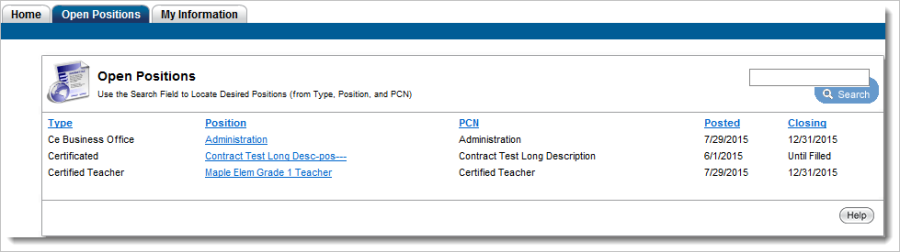
The Open Positions tab displays a list of open positions with hyperlinks to their descriptions. Applicants may view the detailed description of a position by clicking the link under the "Position" column header. Where a requisition end date of "12/31/2050" is used, "Until Filled" will display.
Position Description
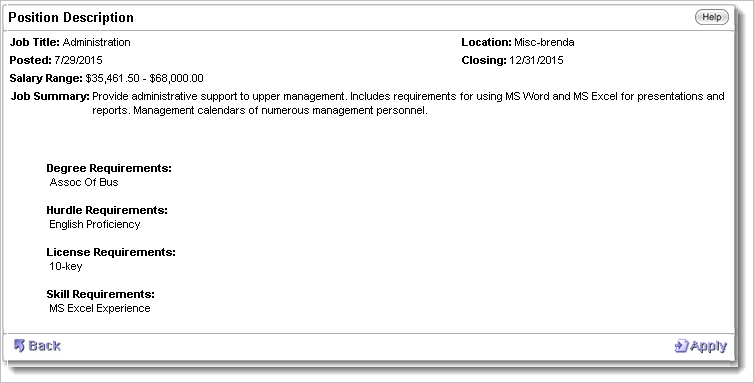
A sample position description is shown below. Note the view includes details about the position and the necessary qualifications. A link to the online help is included to provide the applicant with general information about this page and a back button is provided to enable applicants to navigate back to the Open Positions screen if they wish to look for other positions. If the applicant desires to apply for the position, they click "Apply" in the lower right corner of the page.
Login/Create Account
See Creating an Account and Logging Into Applicant Online for detailed information.