
Access the Timecard Online portal (<servername>/ifas7/timecard/).
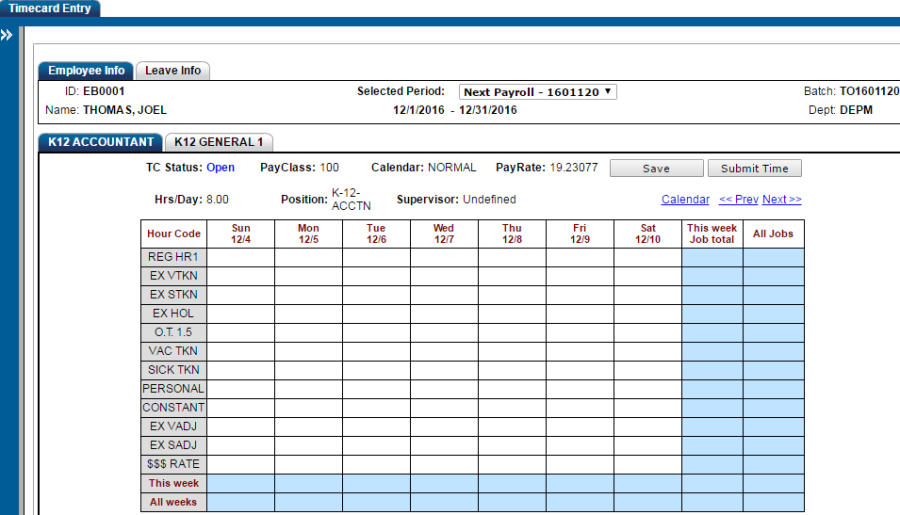
Enter time in the appropriate hour code.
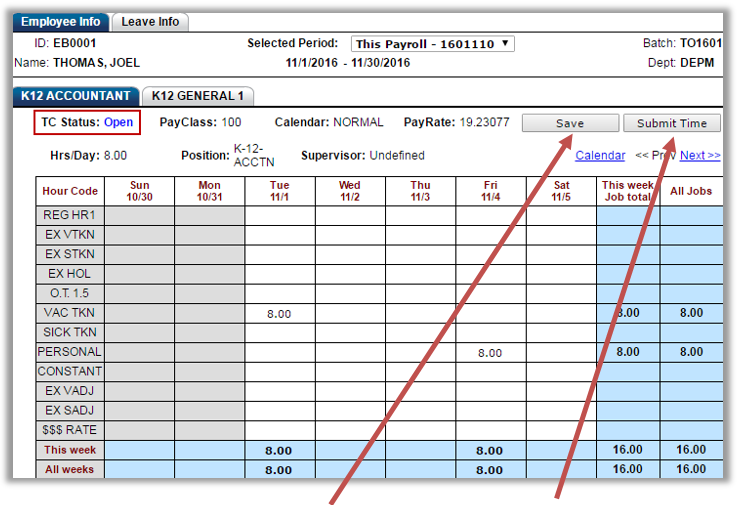
After time entry is complete hit "Save" to return later or "Submit Time" if finished with this timecard.
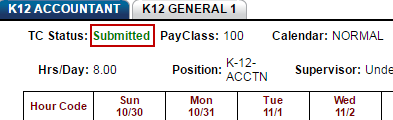
The time then enters a "Submitted" status. The time could be "Rejected" in which case the employee can then change the time and submit it again. Once the time has been approved, the status will display an "Approved" status.